Riya review drafts
Customers share their experience, choose English, Hindi or Hinglish, then check and edit their draft. Riya uses saved keywords only where supported by the experience.
Sample interface
Help customers find the words, keep your team informed, and respond with care. Choose what to connect as your business grows.
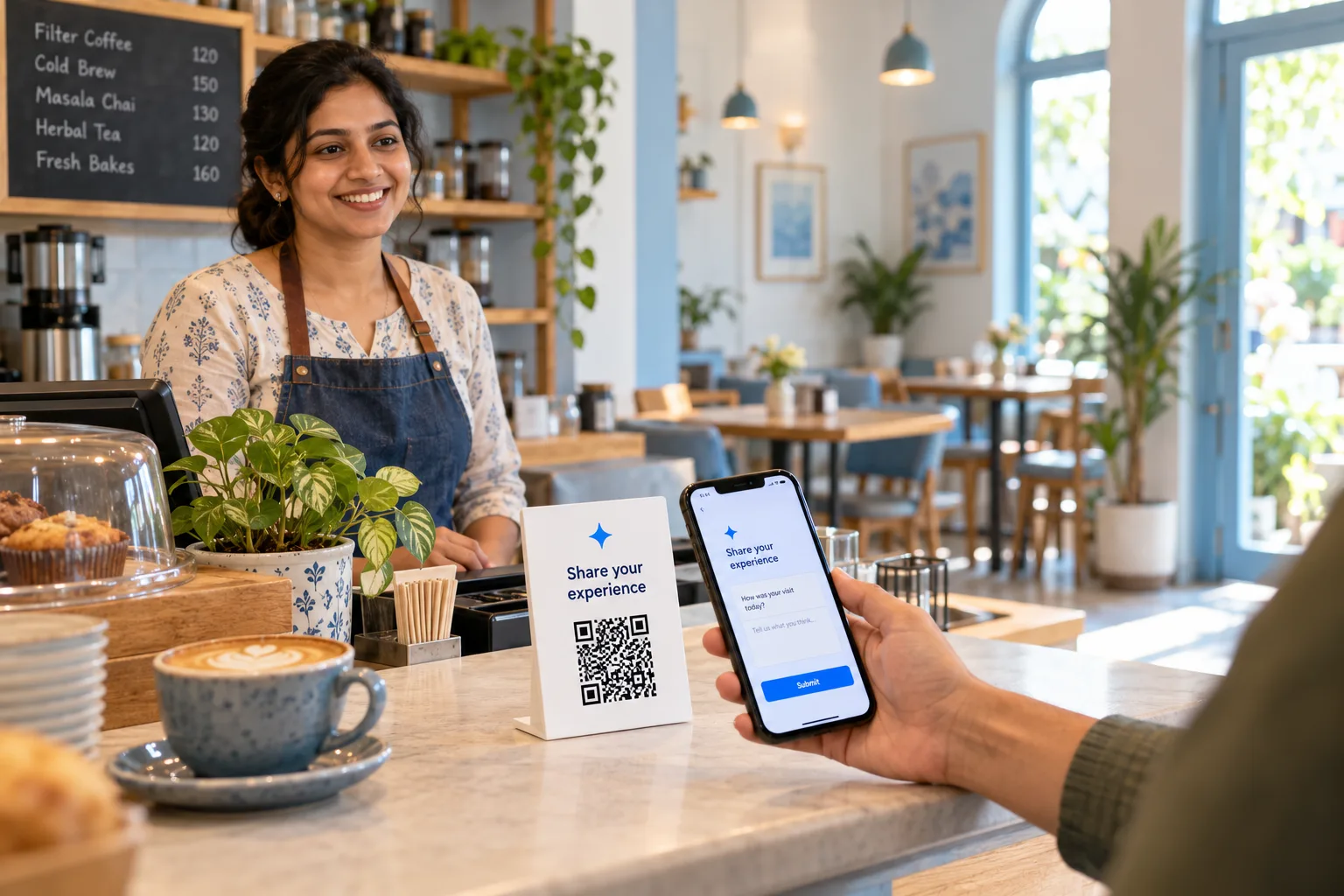
Customers share their experience, choose English, Hindi or Hinglish, then check and edit their draft. Riya uses saved keywords only where supported by the experience.
Create a campaign for each location or touchpoint. Print your branded QR or share its review link without asking customers to download an app.
Your business name
Your location
Use an authorised Google Business Profile account to import location reviews. View your Google reviews separately from feedback prepared in reviewbuddy.in.
The team answered my questions clearly.
Google review · Imported after connectionRiya helps draft replies. Check and edit each reply before publishing to Google. An optional scheduled mode handles eligible new reviews under your chosen rating policy after you explicitly enable it.
Check → edit → approve publishing
Prepare a neutral review request, open WhatsApp Web and choose the customer yourself. No API or automatic WhatsApp sending is used.
Thank you for visiting. Would you like to share your honest experience?
your review link →Open WhatsApp Web · Choose recipient · Send yourself
Save a request draft and approve the recipient and message before sending through your SMTP provider. Scheduling also requires the hosting worker to be configured.
Review rating distributions and activity by date. Ask Riya to summarise feedback sentiment and themes. AI interpretation is clearly separate from star-rating groups.
“The customer appreciated clear explanations.”
AI interpretation · Review original feedbackFetch available Search and Maps impression metrics for connected locations. These are Google-reported metrics, not a guarantee or measurement of a number-one ranking.
Display your recognisable name, real logo and saved location. Pick a simple colour and typography preset without changing QR destinations.
Recognisable name · Accurate location
A checklist leads owners through identity, Google link and first QR. If AI fails, customer text stays visible with a clear retry path.
Track drafts and requests with visible limits. Automatic reply generation shares your existing reply allowance; AI insights have their own 50-analysis monthly cap.
Compare a direct Google review QR with a branded Riya-assisted customer journey.
AI vs Normal QR →Try the sample journey before setting up your own business.